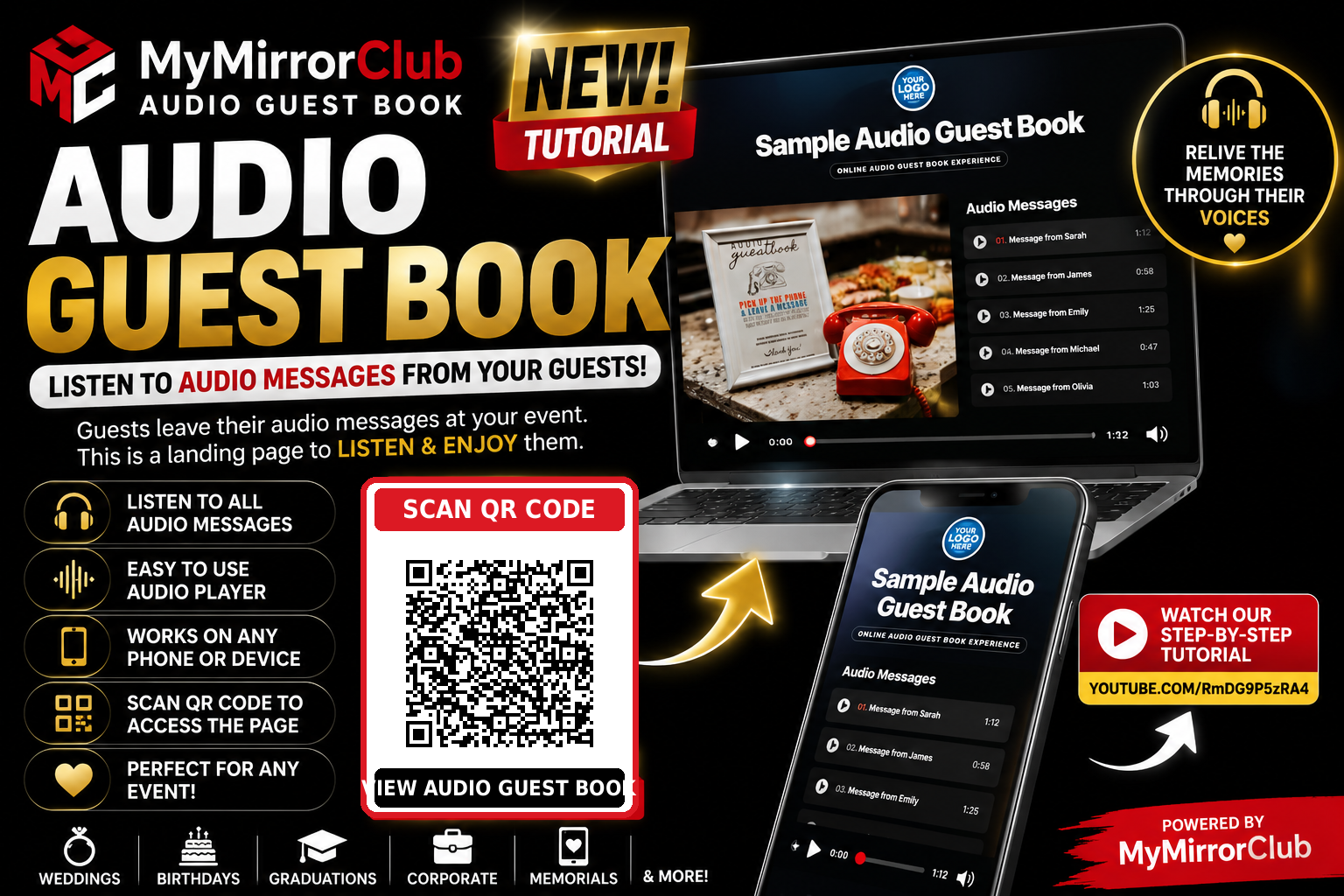
A MyMirrorClub Online Audio Guest Book creates a branded landing page where audio messages recorded at an event can be organized, displayed and played back afterward. The landing page is designed for viewing and listening. Guests record their messages at the event using the host’s audio guest-book setup; they do not record new messages through this web page.
Watch the complete Audio Guest Book setup tutorial
This updated MyMirrorClub tutorial demonstrates how members create the landing page, customize its presentation, manage MP3 recordings and share the finished listening experience.
Open the company-owned Audio Guest Book sample
The live sample demonstrates the finished listening page with event branding, associated images and audio-player controls.
What is the Online Audio Guest Book page?
The Online Audio Guest Book is the presentation and playback side of an audio guest-book service. Audio messages are first recorded at the event. The member then uploads those finished recordings to the MyMirrorClub landing page so the host, family, company or invited audience can listen to them from a phone, tablet or computer.
Create the Audio Guest Book landing page
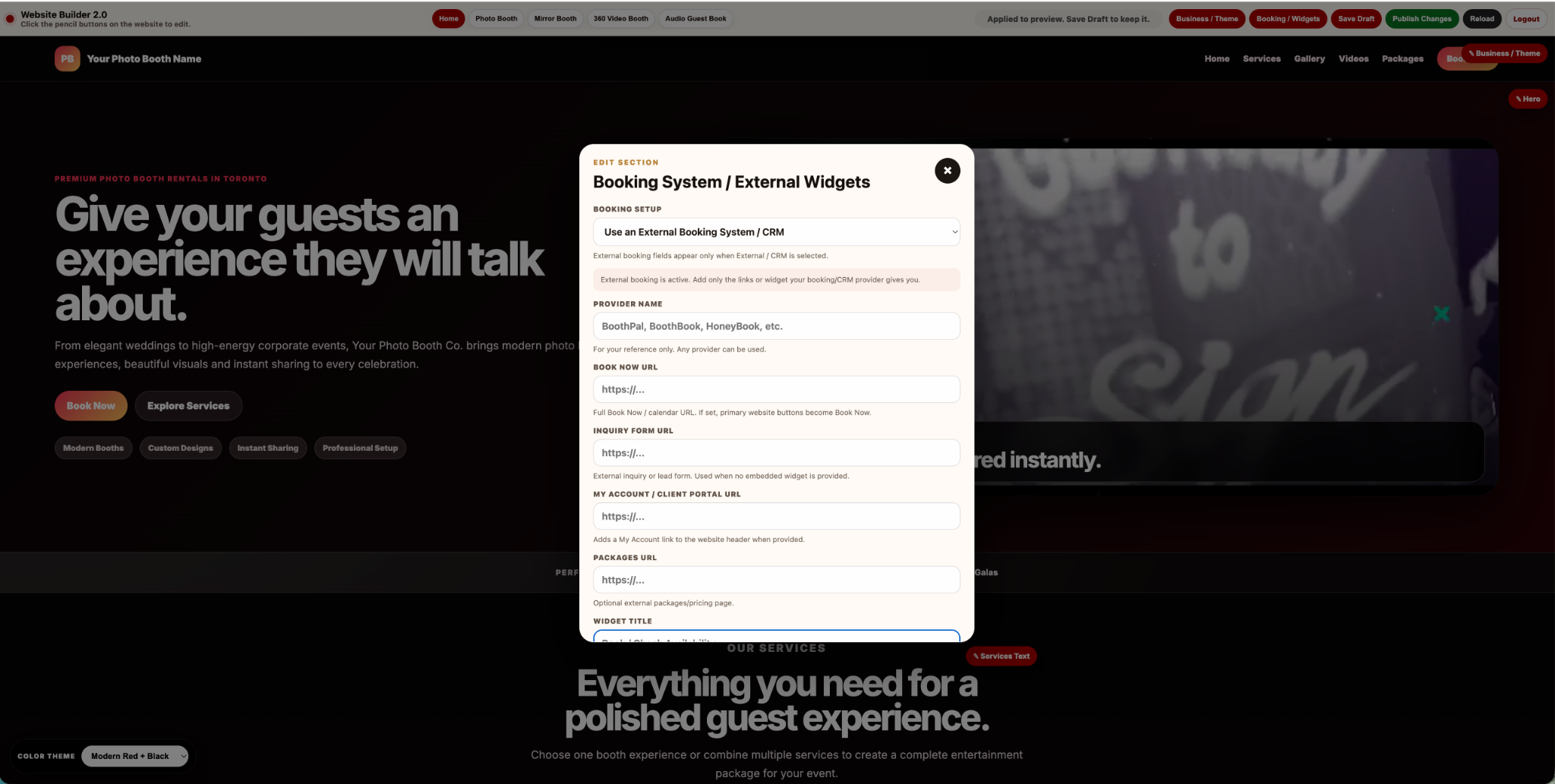
The New Audio Guest Book button creates the public landing page. During setup, members can prepare the page title and visual presentation before adding the completed event recordings.
- Create and name the Audio Guest Book.
- Add the member or event logo.
- Choose the landing-page background.
- Add the cellphone presentation image.
- Add the laptop or associated presentation image.
- Review the public page before sharing it.
Manage Audio: add and remove MP3 recordings
The Manage Audio area controls the recordings that appear on the generated landing page. Members can upload and delete the MP3 files that were collected at the event.
- Upload an individual MP3 recording.
- Add an image associated with that recording.
- Repeat the process for each event message.
- Remove an audio entry that should no longer appear.
- Review the final order and playback experience on the public page.
Associated images and audio-player controls
Each uploaded recording can be presented with an associated image. This helps the listening page feel connected to the event, the person speaking or the memory being shared. The landing page provides playback controls so visitors can move through and listen to the available audio messages.
How the full Audio Guest Book workflow works
- The host collects audio messages at the event using their audio guest-book setup.
- The finished recordings are saved as audio files.
- The MyMirrorClub member creates the Audio Guest Book landing page.
- The member opens Manage Audio and uploads the event MP3 files.
- The member adds associated images when appropriate.
- MyMirrorClub displays the uploaded recordings on the branded listening page.
- The page link or QR code is shared with the intended audience.
- Visitors open the page to listen and relive the recorded memories.
Automatic QR-code access
The Audio Guest Book includes QR-code access to the listening page. Members can place that QR code on:
- Thank-you cards and post-event mailings
- Private family or wedding keepsakes
- Memorial programs and remembrance materials
- Company recap pages and employee communications
- Digital invitations and follow-up emails
- Printed albums or event displays
Scanning the QR code opens the Audio Guest Book landing page so visitors can listen to the uploaded messages. It does not begin a new recording.
Events that work well with an Audio Guest Book
- Weddings and engagement celebrations
- Birthdays and anniversaries
- Corporate events and company milestones
- Graduations and school events
- Memorials and remembrance gatherings
- Retirement parties and family reunions
Audio Guest Book setup checklist
- Create and name the landing page.
- Add the correct logo and background.
- Add the cellphone and laptop presentation images.
- Upload each finished MP3 recording through Manage Audio.
- Add associated images where useful.
- Play every uploaded recording from the public page.
- Test the page on a phone and desktop browser.
- Scan the generated QR code before printing or sharing it.
- Confirm the page contains only the intended event recordings.
Step-by-step tutorials are included
MyMirrorClub provides tutorials to help members create, customize, test and manage platform features. The updated Audio Guest Book tutorial above can also be opened through the Video Tutorial button inside the Audio Guest Book area.
Frequently asked questions
Do guests record messages through the landing page?
No. Guests leave their audio messages at the event using the host’s audio guest-book setup. The generated MyMirrorClub page is for viewing and listening to those completed recordings.
What audio files are added to the page?
Members use Manage Audio to upload the event’s completed MP3 recordings.
Can an image be shown with an audio message?
Yes. An associated image can be uploaded with an audio entry to support the presentation and memory.
Can recordings be removed?
Yes. Members can delete audio entries through Manage Audio when they should no longer appear on the landing page.
What does the QR code do?
It opens the public Audio Guest Book listening page. It does not start a new recording.
Does the page work on phones and computers?
Yes. The finished landing page is designed to be viewed and played on compatible phones, tablets and computers.
Is there a setup tutorial?
Yes. Members can use the Video Tutorial button inside the feature or watch the official YouTube tutorial embedded above.
Explore connected MyMirrorClub event features
- Interactive Online Event Experiences
- Virtual Photo Booth
- Online Video Guest Book
- Flip Book Photo Album
- Online Photo Galleries
Create your Audio Guest Book listening page
MyMirrorClub turns completed event recordings into a branded online experience that helps hosts, families, companies and guests revisit the voices and memories collected at the event.
Open Your MyMirrorClub Workspace Watch the Setup Tutorial View the Live Sample