
Photo Booth Template Library
Photo Booth Templates: 6,000+ editable designs for event pros.
MyMirrorClub helps photo booth owners search 6,000+ editable photo booth templates, mirror booth layouts, 360 booth overlays, photo strips, start screens and event-ready designs for weddings, birthdays, corporate events, baby showers, graduations and seasonal parties.
Start here
Search single templatesUse the Search Store when you want one editable photo booth template, one animation, or a specific event theme.Search photo booth templates →
Shop template bundlesUse Template Bundles when you want instant ZIP packs for weddings, birthdays, holidays, animation box sets and seasonal events.Shop photo booth template bundles →
Customize in the editorUse the editor when you need to add names, dates, logo artwork, text changes, photo boxes, or a client-specific design direction.Open the Photo Booth Editor →
Three ways to use MyMirrorClub photo booth templates.
Choose the path that matches the job: find one design, shop a ready-made ZIP pack, or customize a template for a specific client.
New to the library? Read How to Find and Customize Photo Booth Templates Online, then search the live collection or open the editor.
Template categories
Find the right photo booth template faster.
The best photo booth template page should match how photo booth owners actually search: by event, layout, booth type, season and client style. From here, visitors can move into the live Search Store, template bundles or the editor.
Wedding photo booth templates
Elegant floral templates, luxury gold layouts, romantic overlays, photo strips and mirror booth welcome screens for wedding events.
Birthday photo booth templates
Colorful birthday designs for kids, adults, Sweet 16 parties, milestone birthdays and themed celebrations.
Baby shower photo booth templates
Gender reveal layouts, boy and girl themes, floral baby shower overlays, photo strips and matching event graphics.
Corporate photo booth templates
Clean branded layouts for company parties and business events. For expos, conferences and sponsor booths, use the dedicated convention photo booth templates guide.
Graduation photo booth templates
Class of layouts, cap and gown overlays, school color templates, photo strips and celebration-ready graduation designs.
Photo strip templates
Classic 2x6 style booth strips, modern vertical layouts and print-friendly designs for booth operators.
360 photo booth overlays
Square and video-friendly overlay ideas for 360 booths, brand activations, parties and social media clips.
Mirror booth templates
Start screens, animated-style layouts, welcome designs and event graphics for mirror booth experiences.
Photo booth animations
Use the matching animation page to find mirror booth animations, start screens, motion graphics and event-ready animated designs.
Real MyMirrorClub workflow
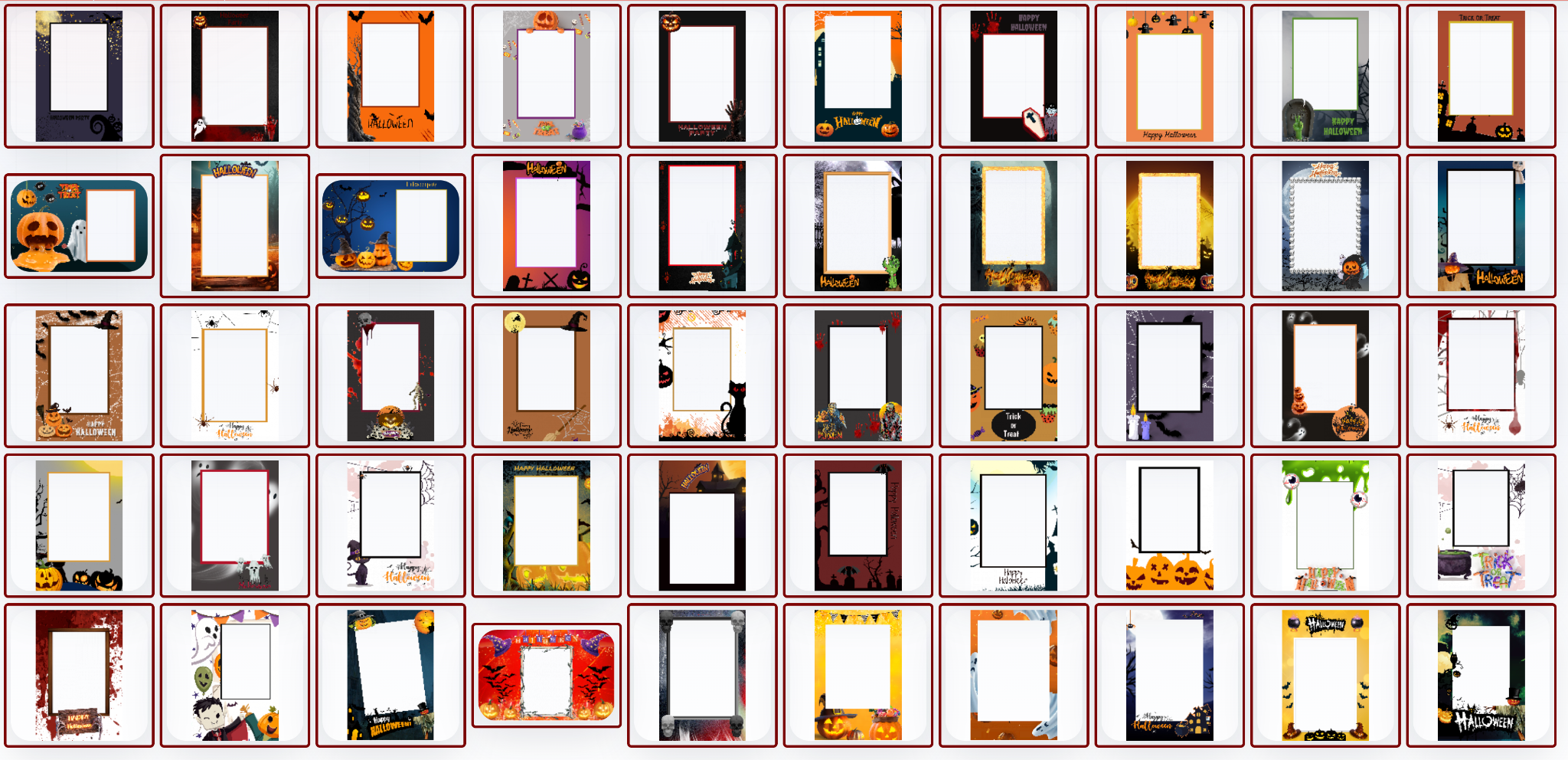
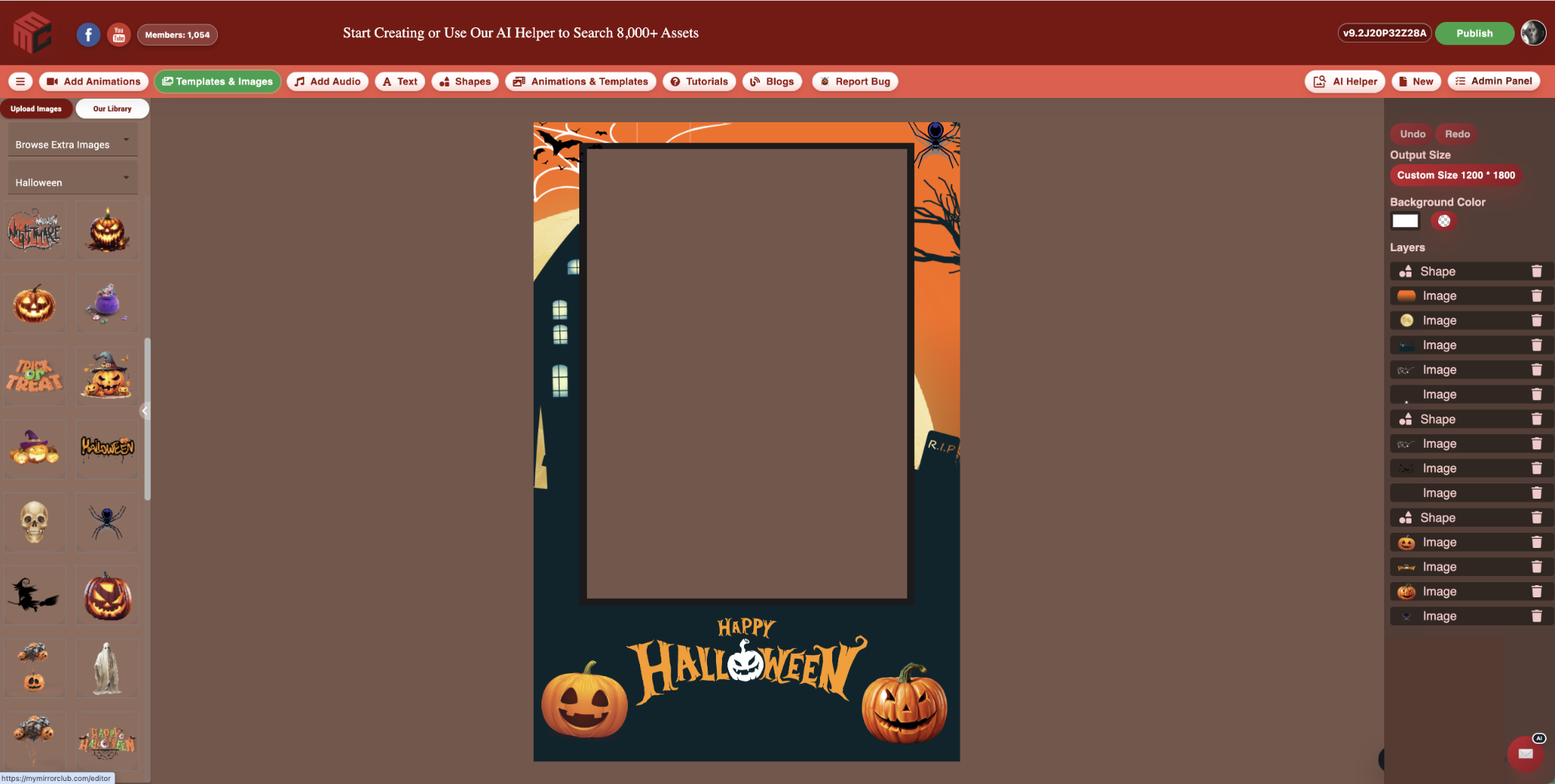
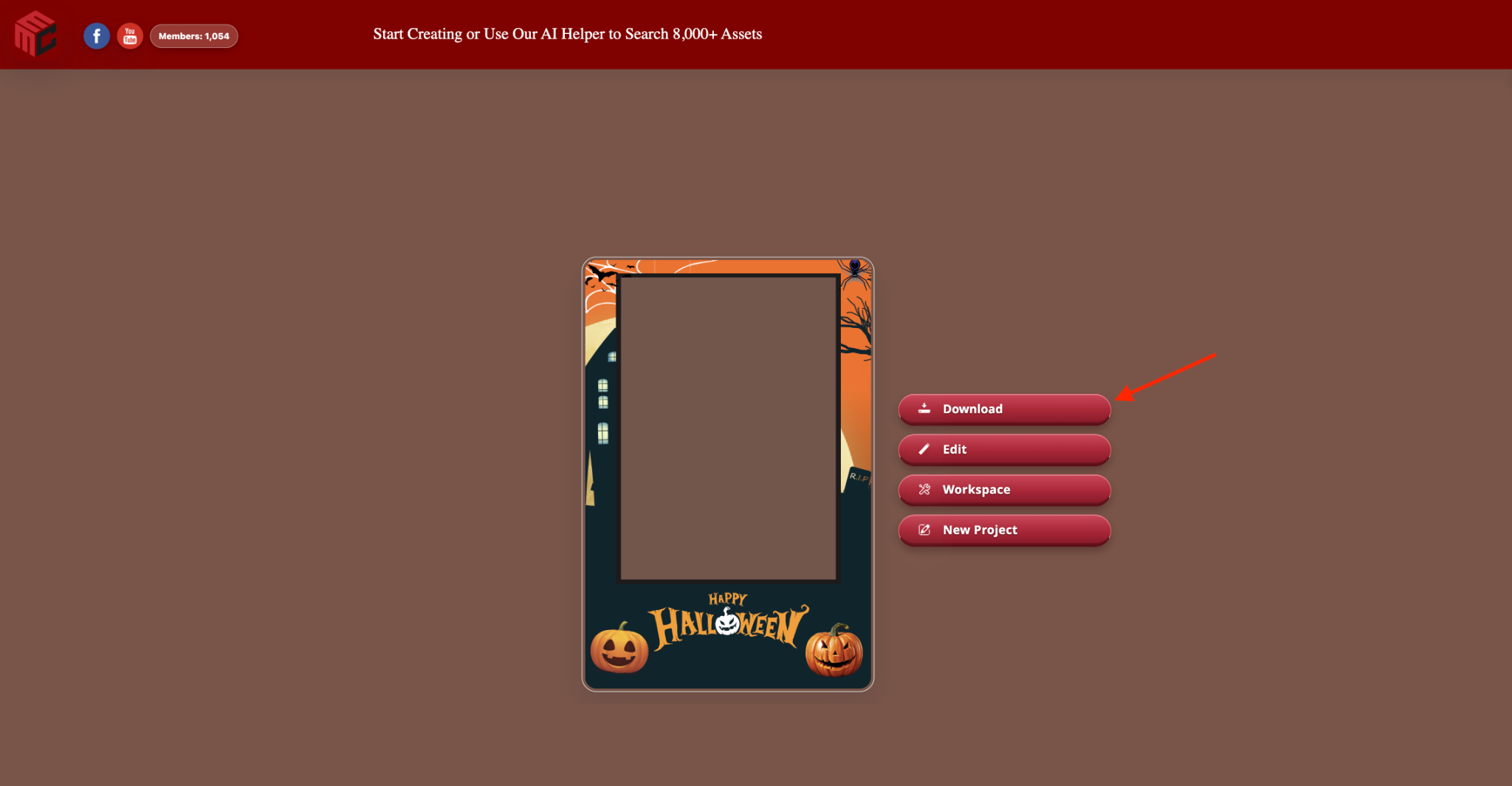
Browse real photo booth templates, customize the layers, then publish the finished design.
These images come from the working MyMirrorClub library, editor and publish flow. The example uses a Halloween template, but the same process applies to wedding, birthday, corporate, baby shower, graduation, seasonal, mirror booth and photo strip designs.
Real editable example
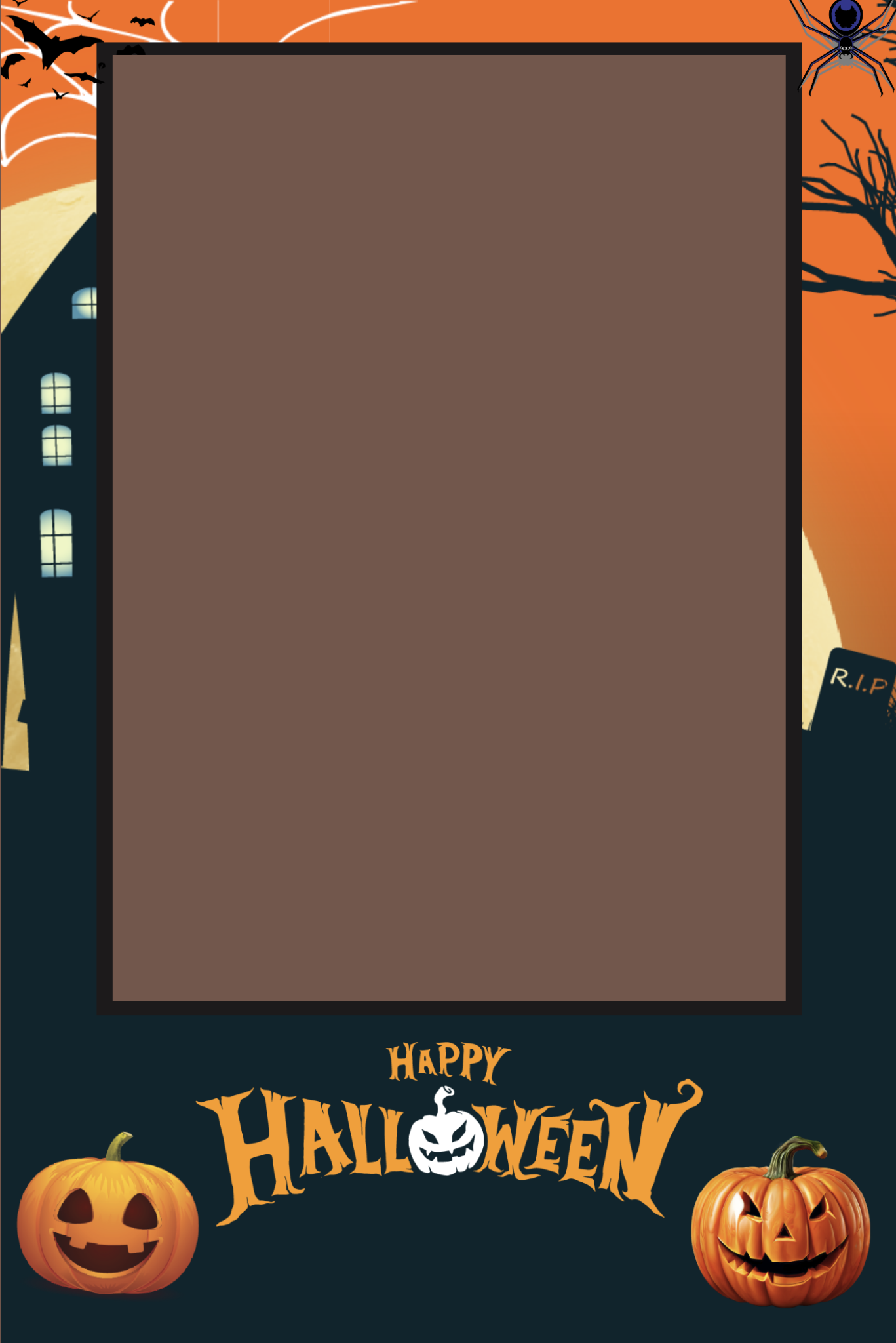
Start with a booth-ready design and make it fit the booking.
This Halloween template shows the complete artwork after editing. The photo area remains ready for the booth workflow while the surrounding design can be matched to the event theme.
- Change names, dates, event wording, logos and colors.
- Adjust photo boxes, decorative layers, backgrounds and extra images.
- Use one workflow for portrait, landscape, strip and booth-screen designs.
- Keep the project in your Workspace for later client changes.
Why MyMirrorClub
More than a folder of downloads.
MyMirrorClub is built as a platform for photo booth owners. You can search creative assets, customize designs, use online event tools, publish galleries and improve the business side of your photo booth brand.
Search by real event words
Look for words clients use, such as wedding, birthday, baby shower, prom, casino, Christmas, graduation, corporate or floral.
Create inside the browser
Open the editor to adjust template layers, text, images and backgrounds without rebuilding every design from scratch.
Grow beyond templates
Use MyMirrorClub content, blogs, websites, SEO help and BoothPal-connected workflows to build a more complete photo booth business.
Popular formats
Photo booth template sizes and styles people search for.
Different events need different layouts. MyMirrorClub supports template discovery around horizontal layouts, vertical layouts, strips, square 360 booth designs and event-specific design themes.
Horizontal templates
Great for larger event layouts, multiple-photo designs and branded client experiences.
- 3-photo layouts
- 2-photo layouts
- wide event designs
Vertical templates
Useful for portrait-style booth setups, single-photo layouts, social sharing and modern event designs.
- single-photo designs
- portrait booth layouts
- clean custom graphics
Photo strips and square overlays
Helpful for classic booth prints, 360 booth videos, mirror booth graphics and quick event delivery.
- photo strips
- 360 square overlays
- mirror booth screens
Choose the right page
Start here when you need the widest selection of editable photo booth templates.
Browse broadly, then move into the event category, booth format or editing workflow that matches the booking.
Need wedding designs?
Use the wedding page for couple names, reception dates, floral styles, luxury themes, photo strips and matching wedding booth packages.
Need business-event designs?
Use the corporate page for company parties, conferences, trade shows, staff events and professional layouts that may need logos or brand colors.
Need celebration ideas?
Use the party page for birthdays, school celebrations, casino nights, holiday events and broad private-party template searches.
Event choice support
Choose the event direction before choosing the artwork.
Start with the event, client and final output to decide whether you need a wedding layout, birthday design, corporate overlay, branded activation, school template, 360 graphic, mirror booth screen or photo strip.
Start with the booking type
Use the broad event template hub when the client only knows the occasion, then narrow to wedding, birthday, corporate, school, branded or seasonal pages once the intent is clear.
Match the final output
Choose photo strips, overlays, 360 designs or mirror booth templates based on how guests will receive the finished photo or video.
Use the full guide
The event template choice guide explains how to pick the right MyMirrorClub starting point before editing names, colors, logos and dates.
Editor workflow
Use the online Photo Booth Editor with AI Helper.
MyMirrorClub now has a dedicated photo booth editor guide for visitors who want to search, load and edit templates or animations in the browser. Advanced AI Helper can search the library and move a matching design into the editor for faster client-ready customization.
Photo Booth Editor
Learn how the online editor works, what visitors can try without login, and how members use the full save/publish workflow.
AI Helper workflow
See how Advanced AI Helper searches templates and animations, loads a starting point, and helps booth owners edit faster.
Open the editor
Try the public editor flow, search the library, load assets and start customizing directly in your browser.
FAQ
Photo booth template questions.
What photo booth templates can I find?
You can search for wedding templates, birthday designs, corporate layouts, baby shower graphics, graduation templates, holidays, photo strips, mirror booth designs and 360 overlays.
Are the templates editable?
Yes. The real workflow shown above demonstrates a template open with visible layers and controls inside the browser editor. Photo booth owners can customize text, images, backgrounds, shapes, photo areas and event details without rebuilding every design from scratch.
Where should I start?
Start with the Search Library when you want live template ideas, then open the editor to customize the design. For deeper planning, use the blog and related category pages such as Mirror Booth Templates, Seasonal Templates, Backgrounds and Business Tools.
How do I choose the right photo booth template?
Start with the event type, then choose the output format. The event template choice guide explains how to match weddings, parties, corporate events, schools, branded activations, 360 booths and mirror booths with the right design path.
Start with templates
Browse photo booth templates inside MyMirrorClub.
Use the dedicated Search Library to find templates, animations, backgrounds, overlays, photo strips, mirror booth designs and 360 booth assets for your next event.